New Interface
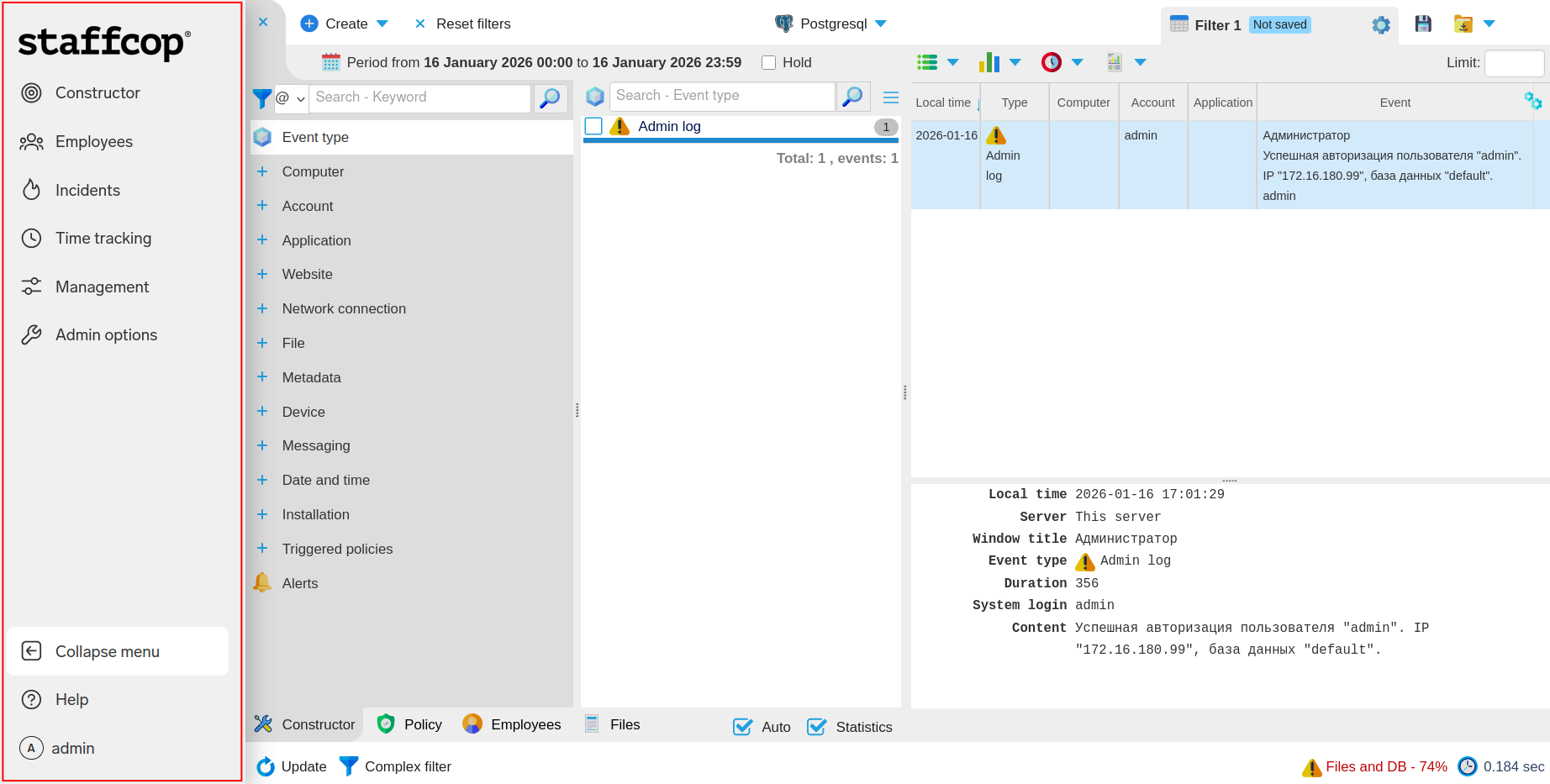
Starting with Staffcop Enterprise 5.6.1, a new, simplified interface is available.
In the new interface, the Admin options, Constructor, Time tracking, and other controls are located in the sidebar.
Attention
Use the new interface to access all system features. New features of version 5.7 are not available in the old interface.
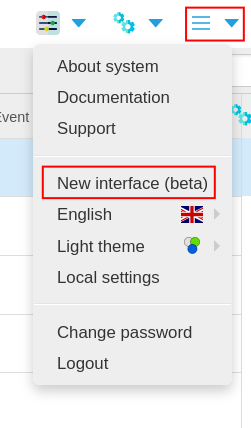
Enabling the New Interface
To enable the new interface, select Admin menu → New interface (beta):
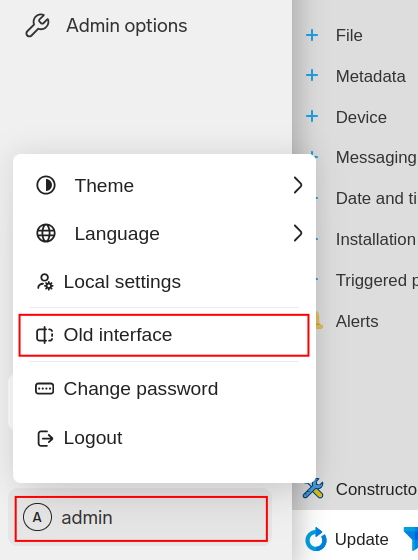
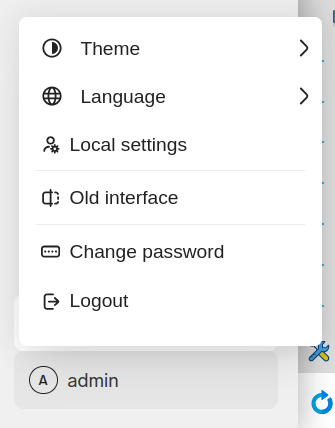
To return to the old interface, select admin → Old interface:
Navigation
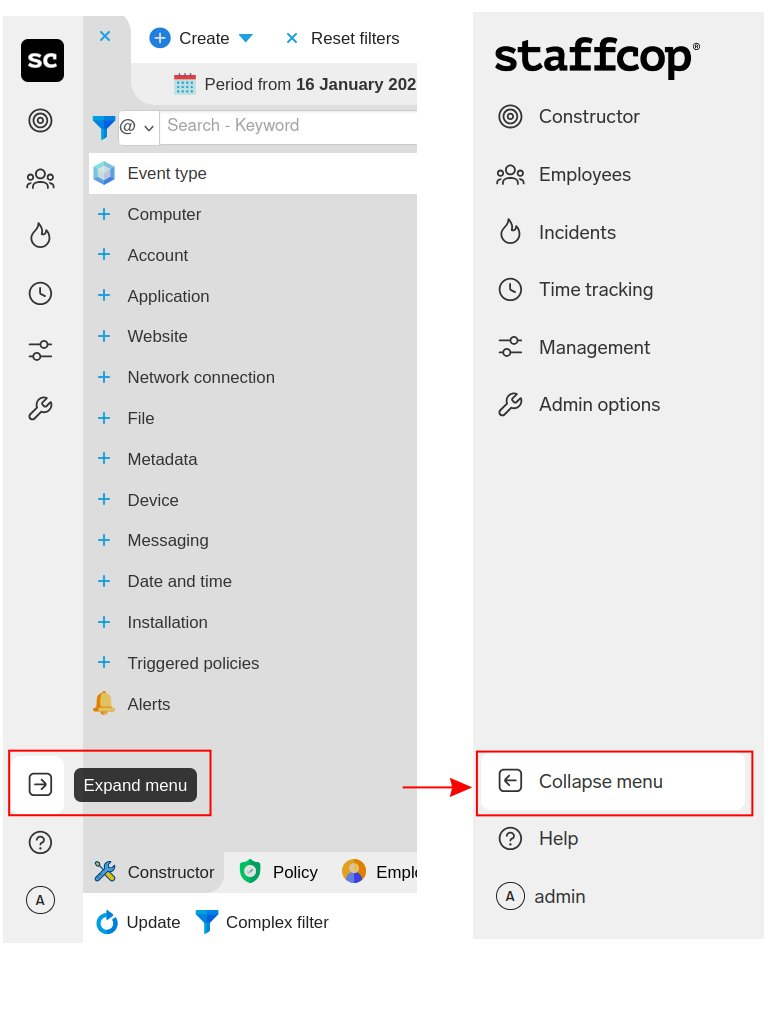
In the new interface, all of the main controls are located in the sidebar.
Select the Expand menu  icon to expand the panel:
Note
In the new interface, Constructor filters are reset via the Reset filters button instead of the Home button.

The panel includes the following sections:
Constructor — Constructor and Event Lens
Employees — employee list
Incidents — Incident Console
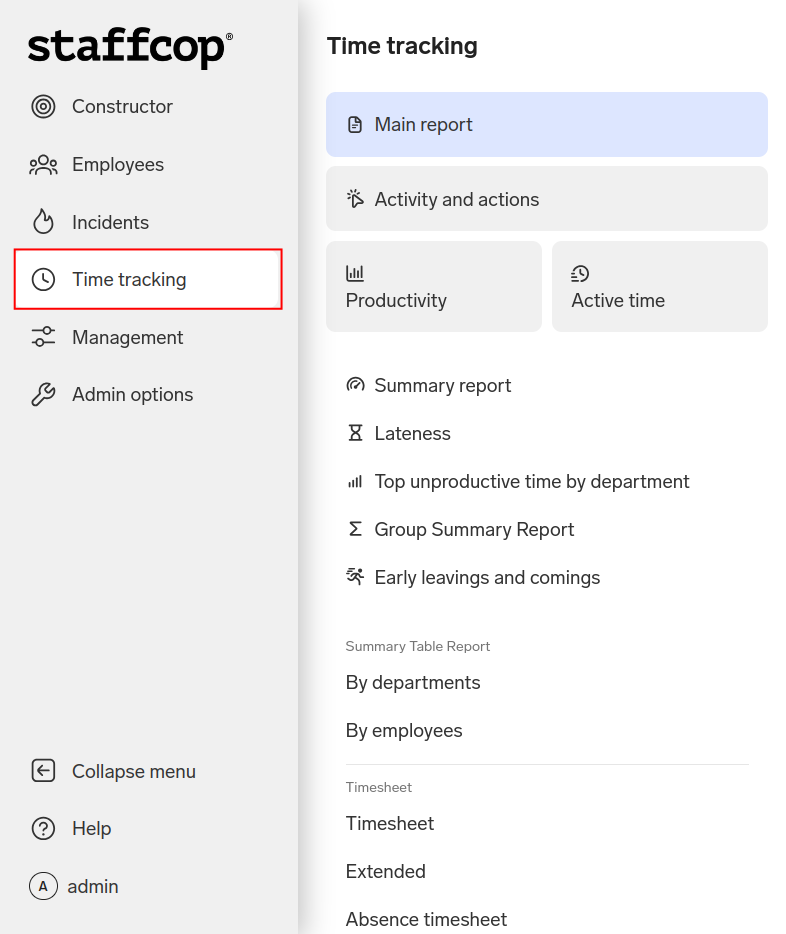
Time tracking — employee time reports
Main report — Combined report
Activity and actions — Activity report
Productivity — Department productivity
Active time — Department active time
Summary report — Summary report
Lateness — Lateness report
Top unproductive time by department
Group Summary Report
Early leavings and comings
Summary Table Report:
By departments
By employees
Timesheet:
Timesheet
Extended
Absence timesheet
Active time
Other:
Downtime Report
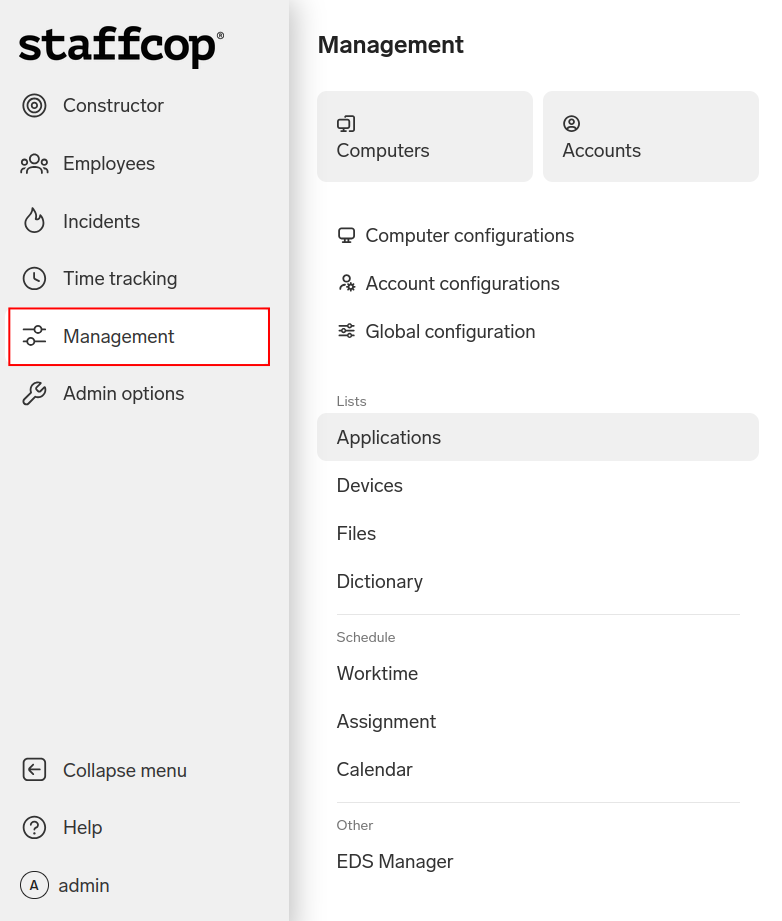
Management — working with data
Applications
Devices
Dictionary — previously Control Panel → Lists
Schedule:
Worktime — previously Admin Panel → Working schedule
Assignment — previously Admin Panel → Assign schedule
Other:
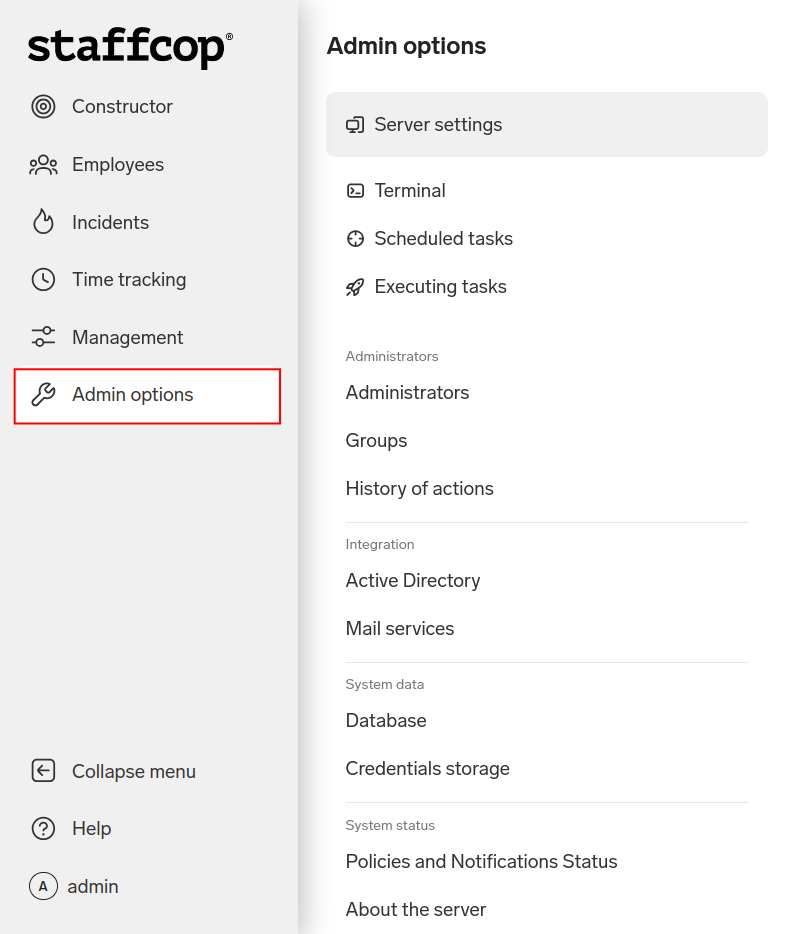
Admin options — server functions and settings
Terminal — opens the server console
Scheduled tasks
Executing tasks
Administrators:
Groups — previously Control Panel → Groups of admins
Integration:
Mail services — previously Control Panel → Mail server settings
System data:
System status:
Policies and Notifications Status — previously Admin Panel → Filters and policy
About the server — previously Admin Panel → General server information
License — previously Admin Panel → License Information
Commands:
Schedule assignments — applies changes to employee schedules to account for working hours; previously Admin Panel → Schedule assignments
Restart server
Reset settings
Terminate all admin sessions — terminate all open administrator sessions; previously Admin Panel → Logout all users
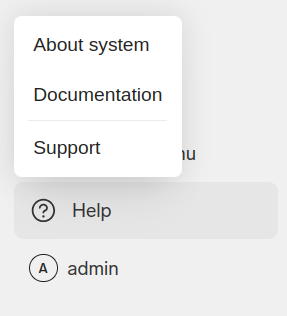
Help — help and reference
admin — interface settings, database selection, changing the password, and logging out
Last Updated: 22.01.26